Prepare a LINUX computer who has public IP, use it as SERVER, named s0
VoCore2 setting up Station mode or AP+Station mode, make it connect to internet, named s1
My VPN network ip address alloc to 192.168.88.xxx, and my VPN network named vonet.
Server part setting up
1. install tinc: for example, apt-get install tinc
2. prepare folders.
mkdir /etc/tinc
mkdir /etc/tinc/vonet
mkdir /etc/tinc/vonet/hosts
echo vonet >> /etc/tinc/nets.boot
3. prepare scripts.
touch /etc/tinc/vonet/tinc-down
#!/bin/sh
ifconfig $INTERFACE down
touch /etc/tinc/vonet/tinc-up
#!/bin/sh
ifconfig $INTERFACE 192.168.88.1 netmask 255.255.255.0
touch /etc/tinc/vonet/tinc.conf
Name=s0
Interface=tun0
Device=/dev/net/tun
Mode=switch
touch /etc/tinc/vonet/hosts/s0
Address=[your server public ip address]
Subnet=192.168.88.1/32
4. chmod +x /etc/tinc/vonet/tinc-*
5. create keys. tincd -n vonet -K
note: [your server public ip address] replace to your server public ip, format like 11.22.33.44.
Client part, on VoCore2
1. Install tinc:
opkg update
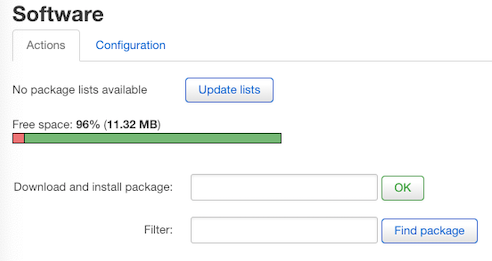
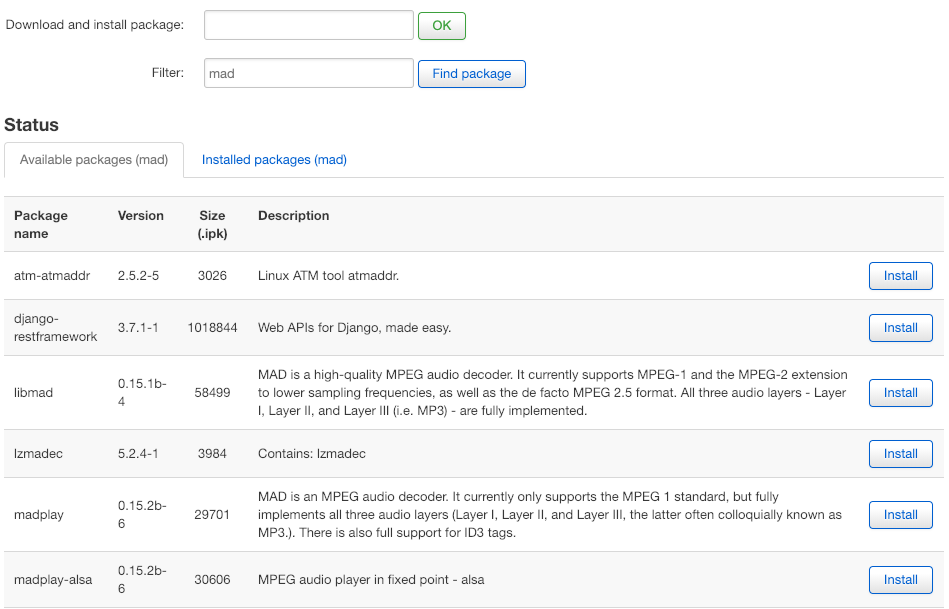
opkg install tinc
2. make folders
mkdir /etc/tinc
mkdir /etc/tinc/vonet
mkdir /etc/tinc/vonet/hosts
echo vonet >> /etc/tinc/nets.boot
3. scripts:
touch /etc/tinc/vonet/tinc-down
#!/bin/sh
ifconfig $INTERFACE down
touch /etc/tinc/vonet/tinc-up
#!/bin/sh
ifconfig $INTERFACE 192.168.88.12 netmask 255.255.255.0
touch /etc/tinc/vonet/tinc.conf
Name=s1
ConnectTo=s0
Interface = tun0
Device = /dev/net/tun
Mode=switch
touch /etc/tinc/vonet/hosts/s1
Subnet=192.168.88.1/32
Address=[your client ip]
4. chmod +x /etc/tinc/vonet/tinc-*
5. make keys: tincd -n vonet -K
note: just press enter, it will create a private rsa-key for your current device and a public rsa-key directly attach to /etc/tinc/vonet/host/s1(which is for current device)
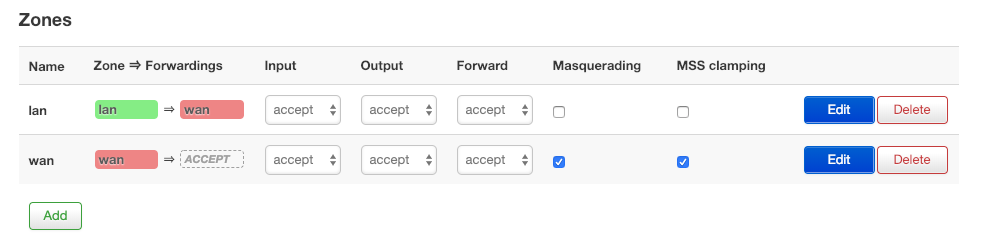
6. setting up firewall:
uci set firewall.@zone[1].device="tun0"
uci commit firewall
note: [your client ip] is your vocore station ip address alloced from your router.
After this, copy s0 from server to client /etc/tinc/vonet/hosts
and same time, copy s1 from client to server /etc/tinc/vonet/hosts
call “tinc -n vonet”, start VPN on both server and client.
vonet is my network name, you can change it to yours.
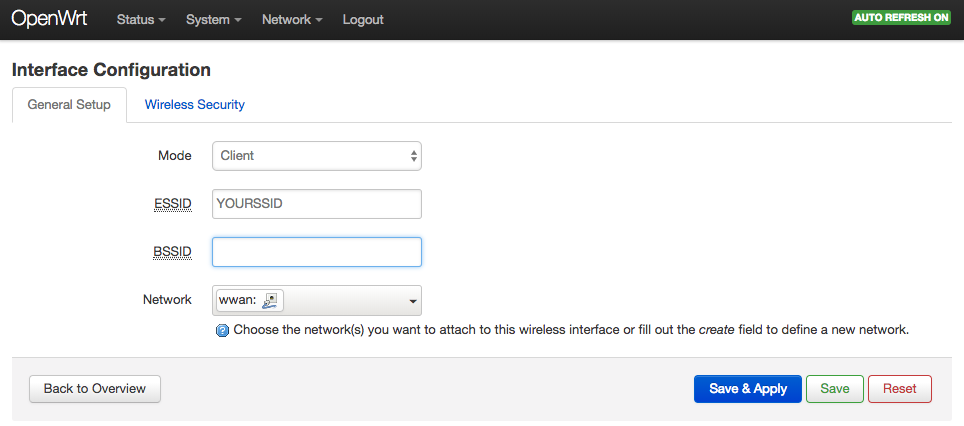 then select submenu ‘Wireless Security’, select correct encryption and key for your router.
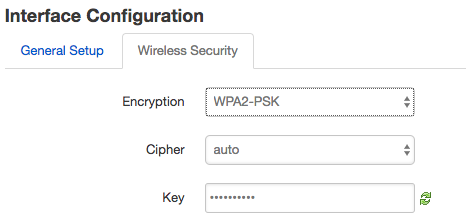 Now, setting is ready, do not click on the ‘Save & Apple’ or ‘Save’ or ‘Reset’ at bottom, click on the ‘Enable’ button after ‘Wireless network is disabled’, once click it will have a thirty seconds count down.